03009 (MM1 Minute Hand) Journal Entries

#0080 (2026-01-06): Anthony Remark

Yesterday, I burned a bootloader on the atmega328P chip, which is now removed from the board shown below.
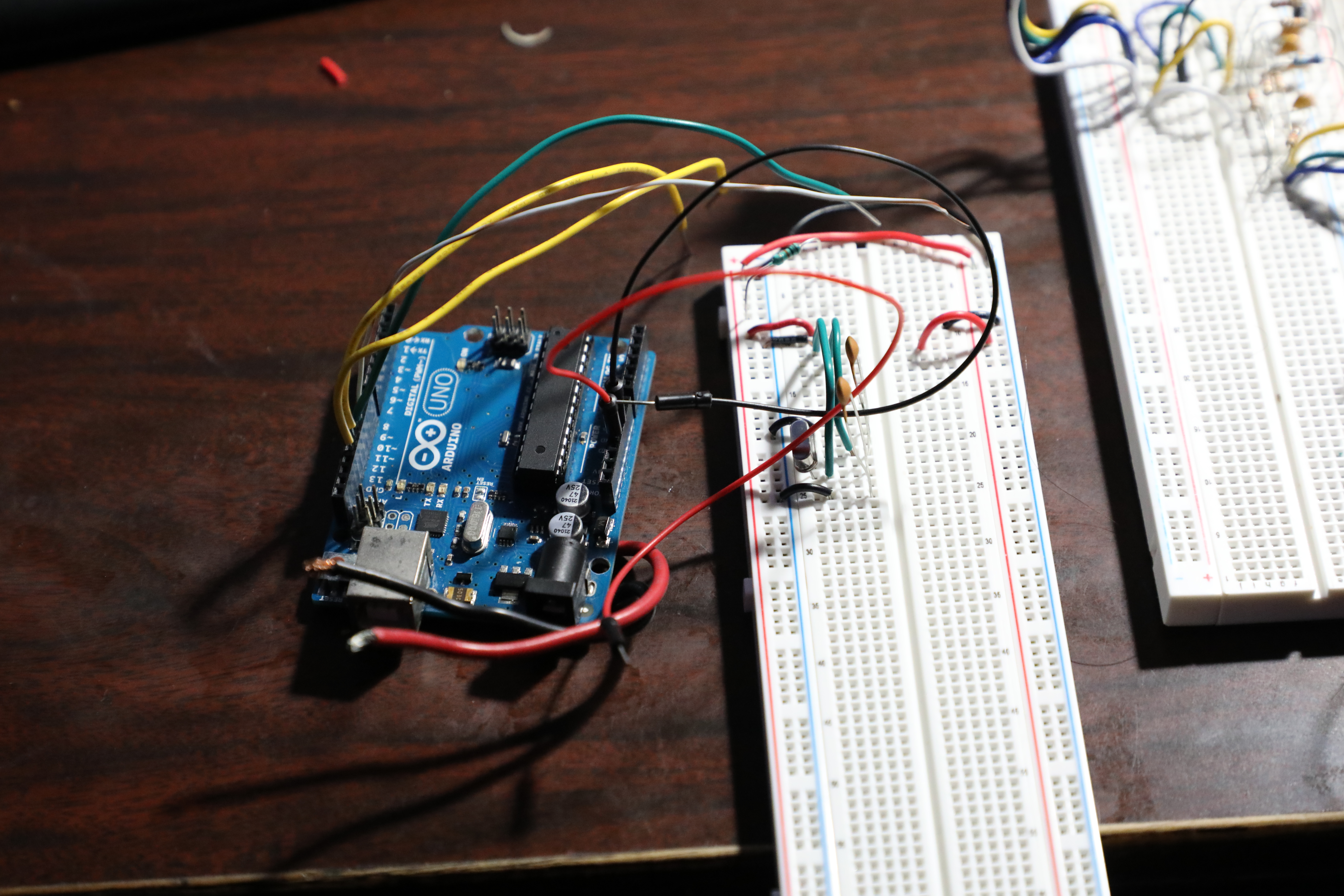

I used an Arduino Uno to burn the bootloader and to upload the program to the atmega328P. This is the same program that was on the stm32 bluepill. Ofcourse there was a few things that were changed to accomodate the hardware change. Below is the assembled circuit without power.

Unfortunately, The circuit is not operational. We don't need to use the logic leveler with this configuration but the circuit is not operating as expected. There will be further tests using the digital oscilloscope to see if there's a signal output. Maybe the bit bashing isn't working or maybe another microcontroller should be used. Options will be assessed.


#0065 (2025-12-21): Anthony Remark

Yesterday, I programmed another stm32 bluepill and I added a Logic Leveler from 3.3V to 5V. The second Bluepill was an attempt to power the whole circuit with the micro B usb input. The Top Bluepill's micro B usb has no clearance. So another Bluepill was placed in the bottom and configured to work with the rest of the circuit.


The Bluepill is unable to supply the Max7219 and the Seven segment displays with enough current to operate. Another thing that was discovered is that the Max7219 was not operating as expected. There may have been issues with the code but what is expected is the issue is with the logic levels being sent to the max7219. The Max7219 is configured to receive logic levels of 5V, but the Bluepill outputs 3.3V for logic High. A Logic level is used to attempt to correct this issue. But the expected operation was not observed. The Max7219 was not displaying anything. An attempt to understand why was made using the Analog Discovery Oscilloscope feature.

The Blue signal reading from the oscilloscope is the CLK signal before the logic leveler. So it's from the bluepill.

The Yellow Signal reading from the oscilloscopre is the CLK signal after the logic leveler.

Together, both signals are like this,

But This doesn't tell us much. If we zoom into the signals, we get this:

But this essentially tells us nothing because we know the CLK signal is supposed to be a pulse Train with a period. So when the sampling is turned up to 100 MHz, we get something that looks like what the CLK signal should look like.

Well, we have a lot of Squiggles that shouldn't be there. My hypothesis is that the Logic Leveler is corrupting the signal. When learning Digital Circuits, the class stresses that the signal delays and the degrating of the signal are important variables to consider when designing a circuit. It seems that the Max7219 is not 'in time' with the bluepill because of the logic leveler. The Remedy for this is perhaps alteration of the shiftout function, or making our own shiftout function that doesn't need to be soo fast. Or we can use the atmega chip instead of the bluepill, but that would require great alteration of the code.


#0061 (2025-12-17): Anthony Remark

Yesterday, When the Mounted seven segment displays arrived, I realized I has a little problem. This is a front that was designed by myself for MM1 Minute hand.


So we had a little problem. The slots cut out at the top were for smaller Seven segment displays. No matter, the solution was to either go with the original plan, which was to use a small perf board and solder everything needed. And this would take hours. OR

Today, we acquired plywood and cut out the necessary parts.

This material had maple veneers on both sides and a particle board middle.


#0059 (2025-12-17): Anthony Remark

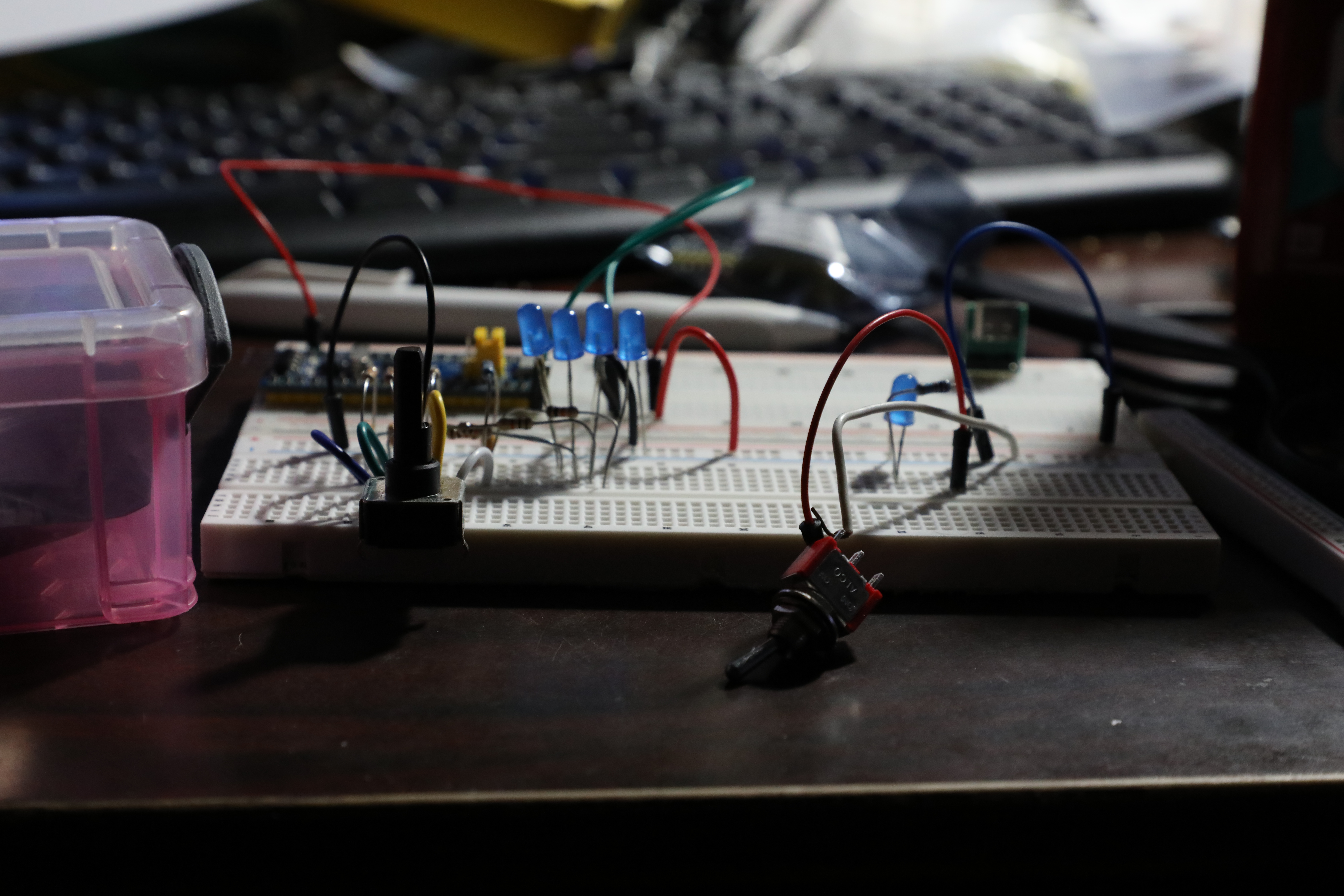
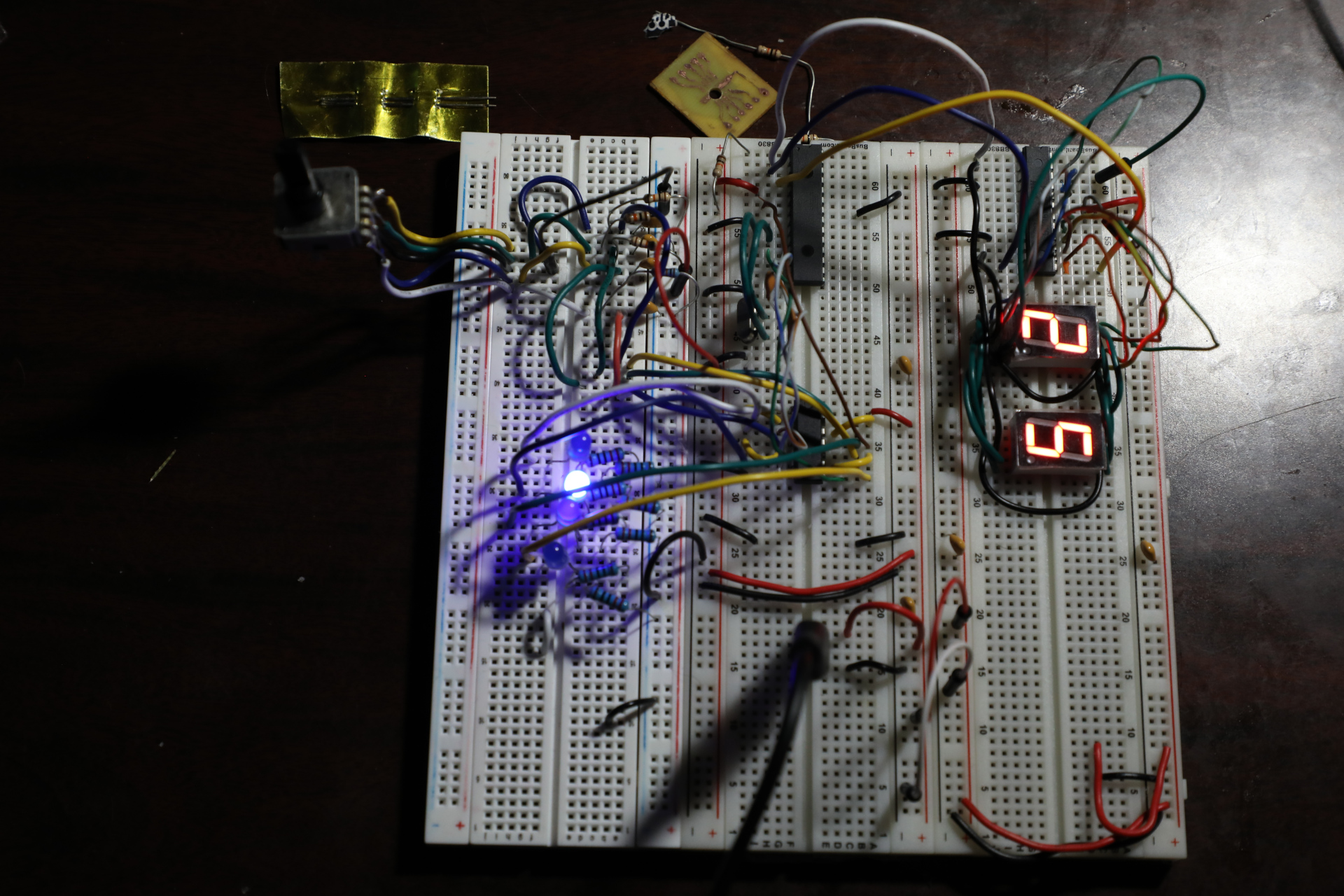
A few days ago, there was a lot of work done. The circuit was constructed on a breadboard.
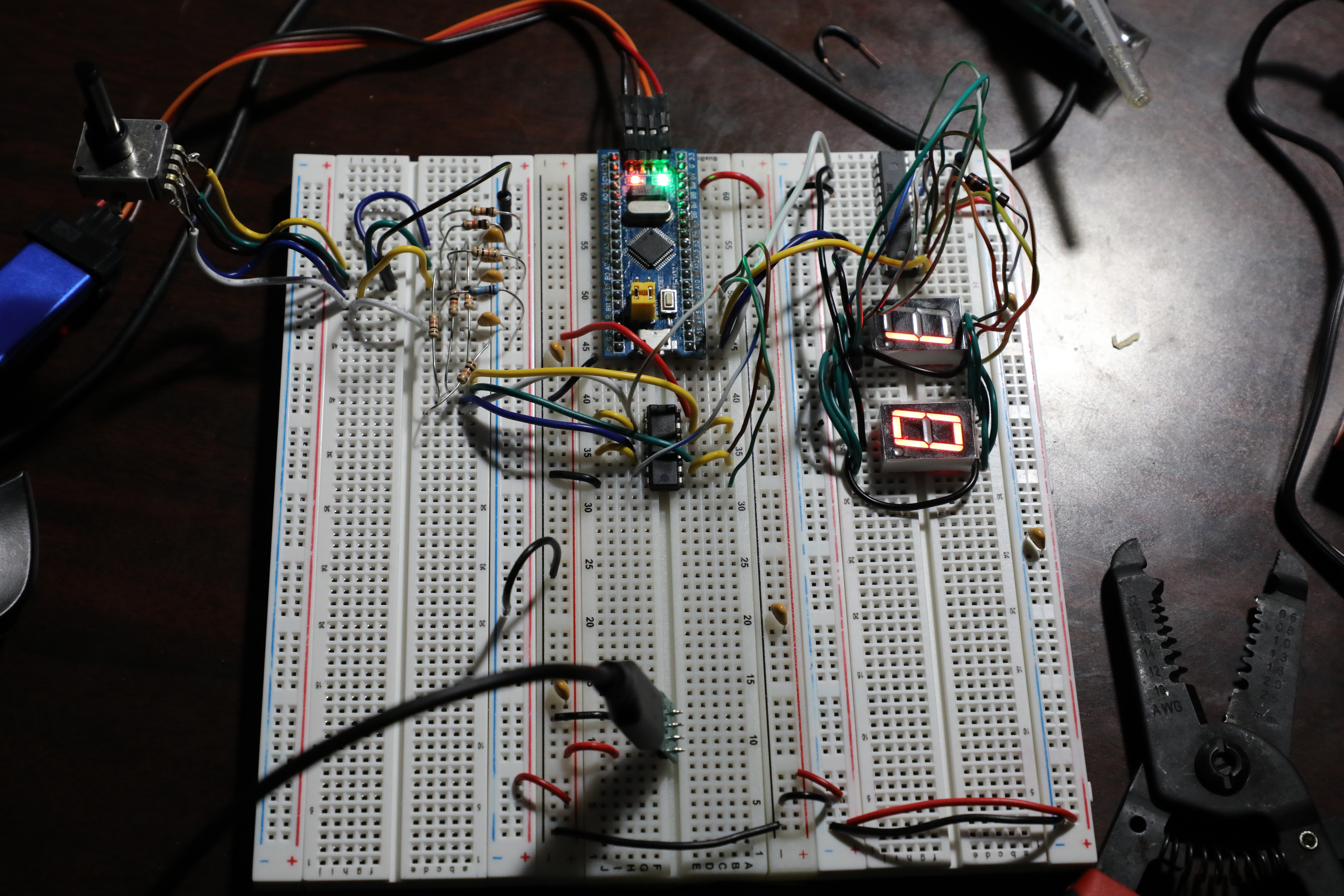

The Team constructed the encoder circuit and it uses a 74LS00 to interface with the stm32 bluepill. The bluepill interfaces with the Max7219. The Max7219 is wired for 2 seven segment displays that are supposed to disply the position of the minute hand.
Below are plans of the corresponding position of the EN16AB encoder to the expected output of the Max7219. The Binary column was my reading of the outputs of the Encoder. The Green column is the properly written binary output wit the Leftmost bit treated as the Most Significant Bit.

The issue of the 12 position encoder is that the binary outputs do not follow an obvious chronological pattern, so An array was constructed to extract the necessary data.

We conventionally discribe the sequence of binary numbers as following an increasing number pattern. But the Encoder doesn't output that. So We use an array to organize whatever is given from the green column (the output of the encoder corresponding to the position) to something that the code can use. This 'something' is a workable sequence of numbers to tell us what position the encoder is at.
Below is the myArray array we use. We use a sequence of binary numbers to correspond to decimal numbers. For example, the 0010 number is supposed to be the 3rd number but we have to use it as the 1st number because the EN16AB datasheet says this is the first position output. I decided to follow that convention. Another example is that 1100 is not the 10th number in binary counting but it is the 10th position output on our chosen encoder, so we set the content of that array to be 10 which corresponds to the 10 position of the encoder.

Last image is the notes on how the data from myArray will be used and the operations that will be done to feed the Max7219 the proper value to the appropriate address.


#0051 (2025-12-09): Anthony Remark


Above is the test setup for testing how the encoder works and how the toggle switch works Also I did more planning for the infacing of the stm32 and seven segment displays with the Max7219 chip


#0044 (2025-12-05): Anthony Remark

Here is an isometric view of 03009 MM1 Minute Hand with a 'cutoff' from the front panel. The purpose is to show that the Gears are fastened and secure rather than not.


In the Cross Sectional view, we can see that the Driver gear (minute gear) is secured onto the shaft of the Encoder.
The Encoder is secured in place on the Anchor panel. The Front panel has a hole that allows the Minute hand and the hour hand will be visible and freely move while the gear mechanism is hidden.
The Encoder is hot glued to the Anchor Panel.


Behind the Front Panel, We can see more of the configuration of the Gears. The Second gear that's driven is secured to the 3rd Gear and both are freely rotating on a 1/4 inch dowel. This dowel is planned to be hot glued to the front panel, or the anchor panel.

From the left Side of the Isometric view, it's more clear that the Dowel will have a 'cap' configuration to prevent the Gears from wandering out of place.


#0033 (2025-11-26): Anthony Remark

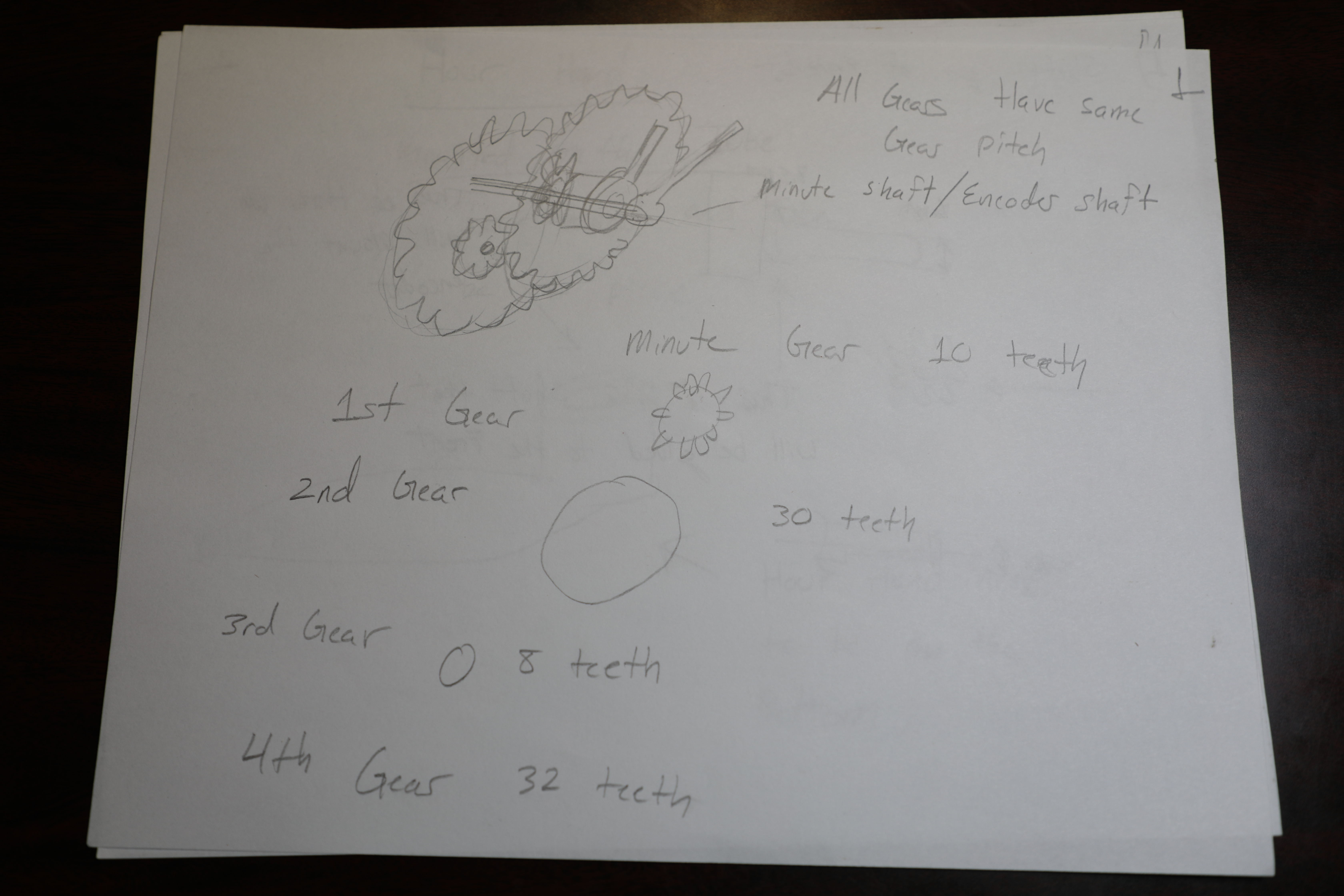
Over the past several days, there was a major effort to complete the CAD for the MM1 Minute hand gears. It was necessary to make the modulus big enough to withstand rigorous use and be 'reasonably sized', basically can the gears fit in the encasement and fit outside the encasement if need be? The first gear is called the minute drive gear because it's connected to the minute hand and drives the other gears. The gear has a modulus of 2mm and 10 teeth the shaft of the gear is an extention of the encoder shaft. because everything could not be fitted to the encoder shaft.


The minute hand fixes on top of that shaft.

The second gear has the same modulus (2mm) and 30 teeth. The hole is slightly larger than a 1/4. This is designed to fit a 1/4 inch wooden dowel.

The third gear has the same modulus and with 8 teeth. It has a hole slightly larger than 1/4 inch just like Gear 2. the both of these gears are intented to be glued together.

The Hour Gear has the same modulus with 32 teeth. built in is the tube that rests over the minute drive gear shaft.

The Hour hand is fitted over the Hour Gear tube.

Here is everything assembled in FreeCAD


#0032 (2025-11-26): Matt DiPalma

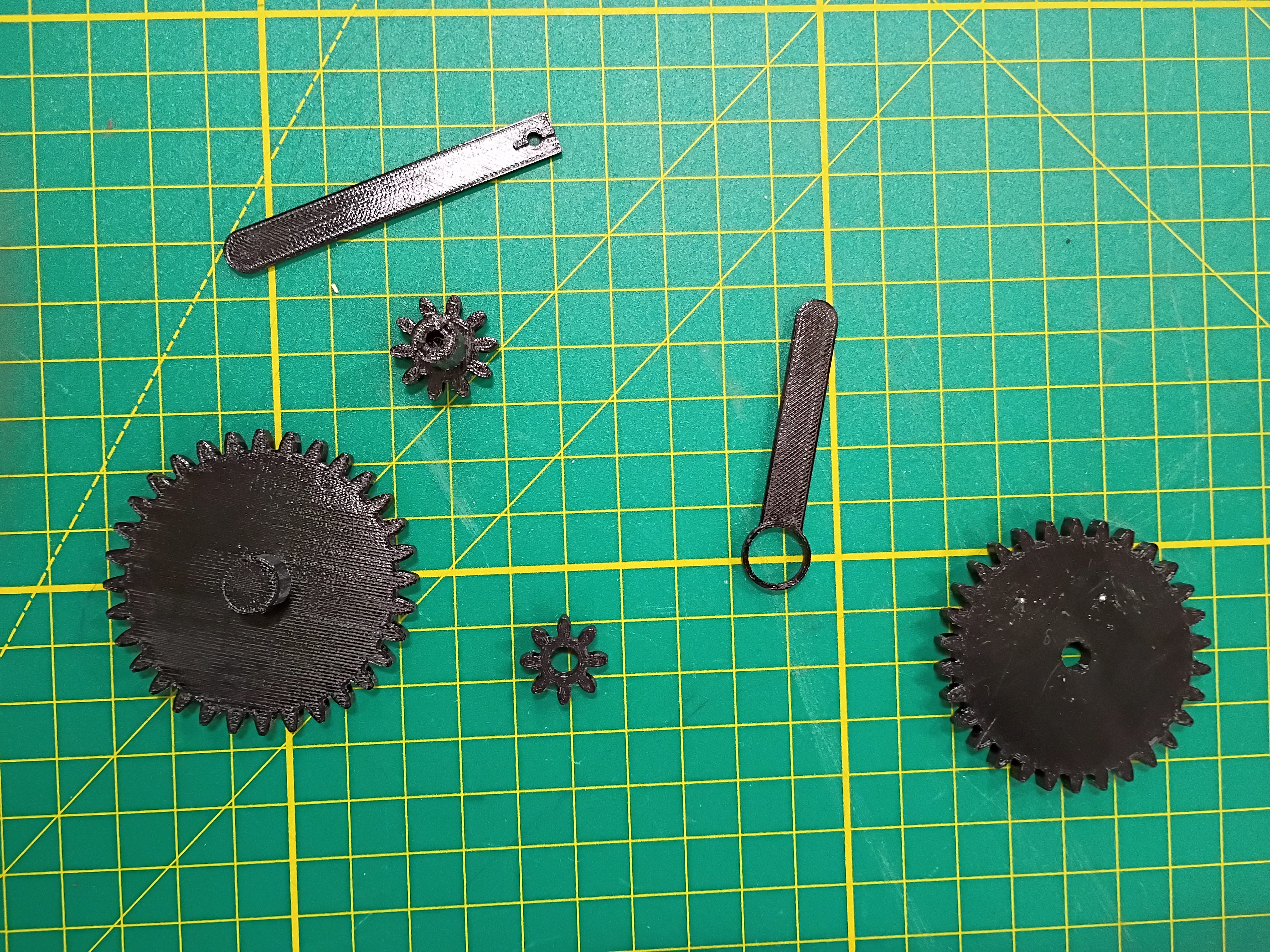
Printed several gear components. Manufacturing recommendation is to make the hole in the hour drive gear all the way thru the part and increase the inner diameter slightly (0.1mm) for better clearance with the minute shaft. Components were assembled and functionality was tested successfully.

#0028 (2025-11-22): Anthony Remark

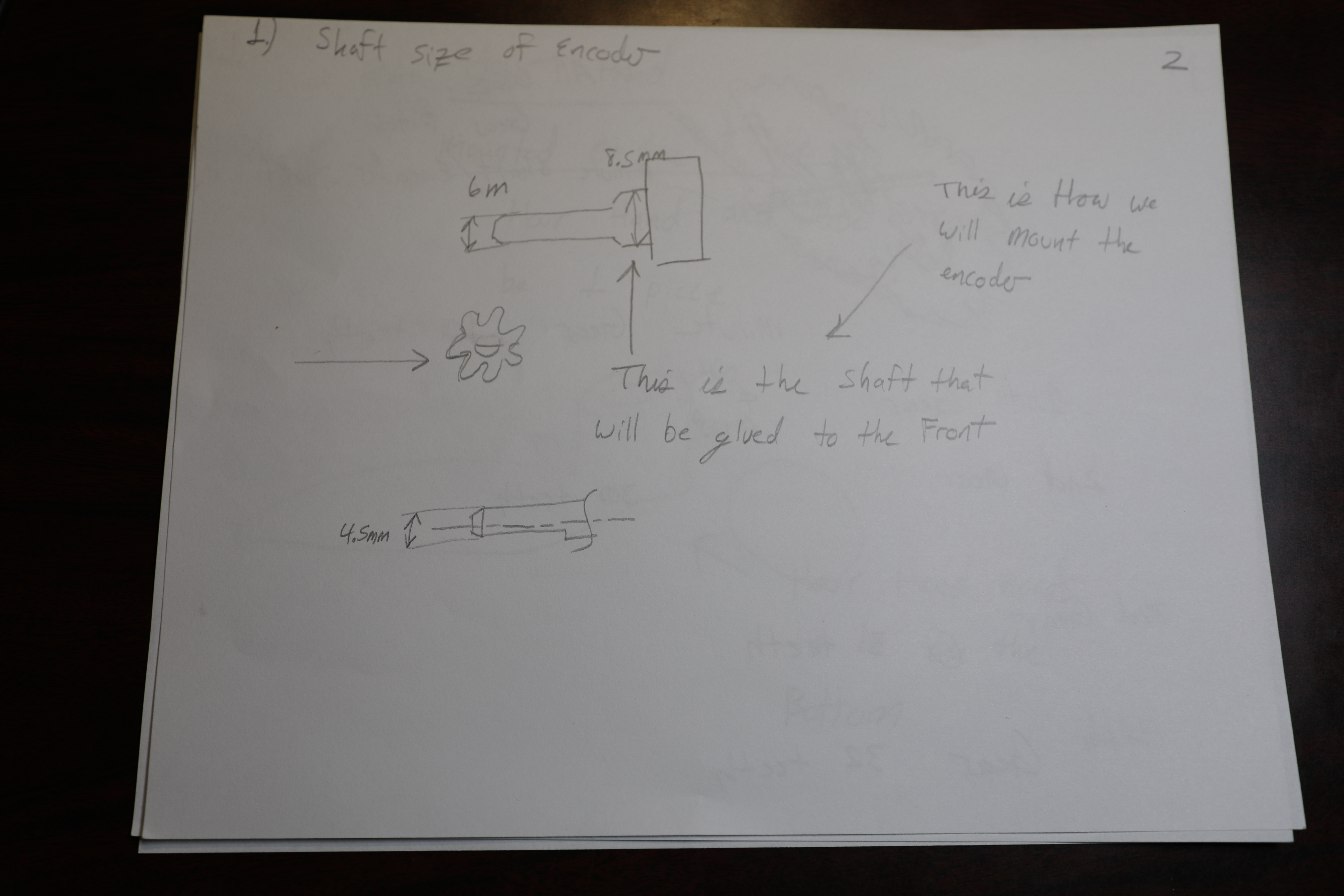
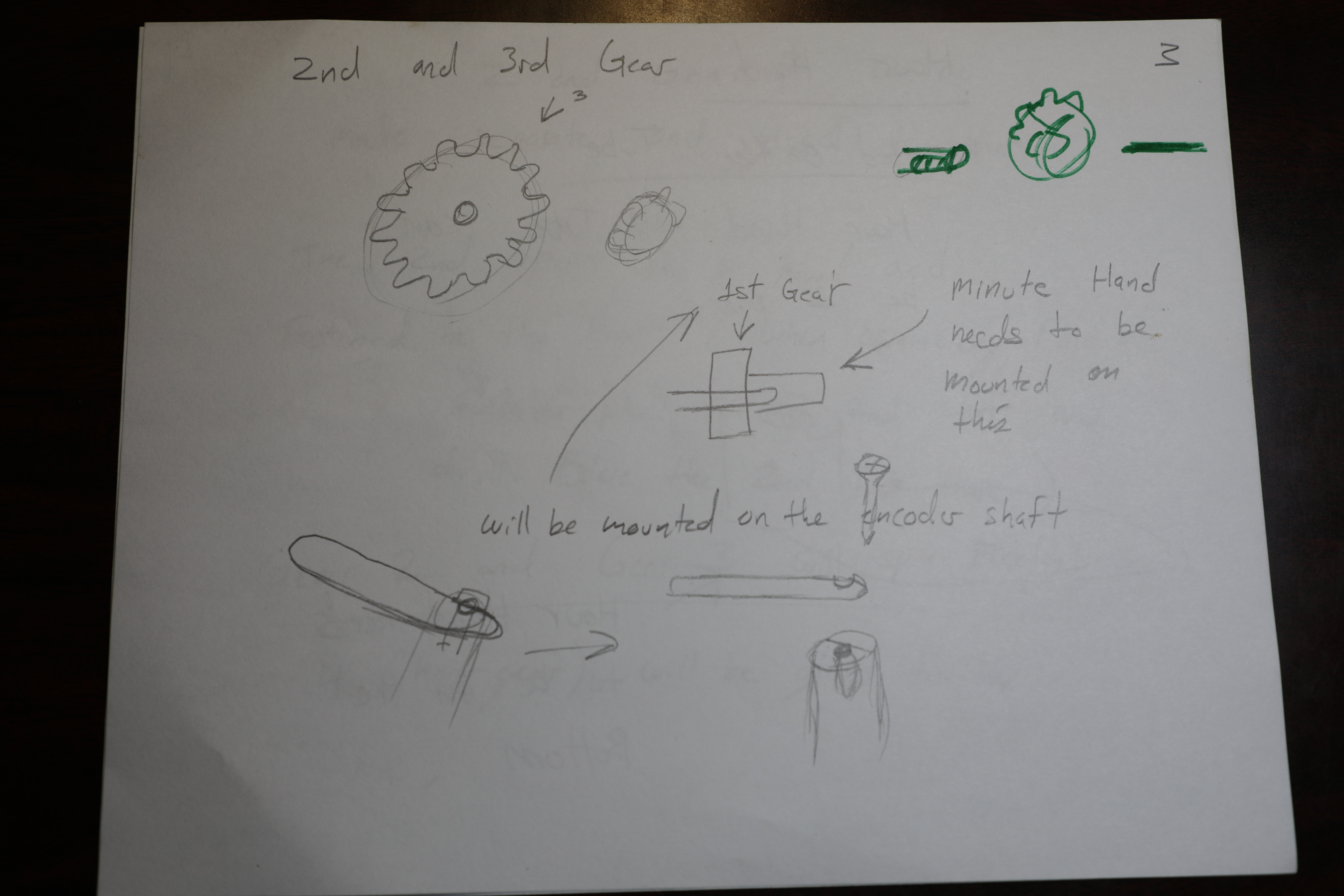
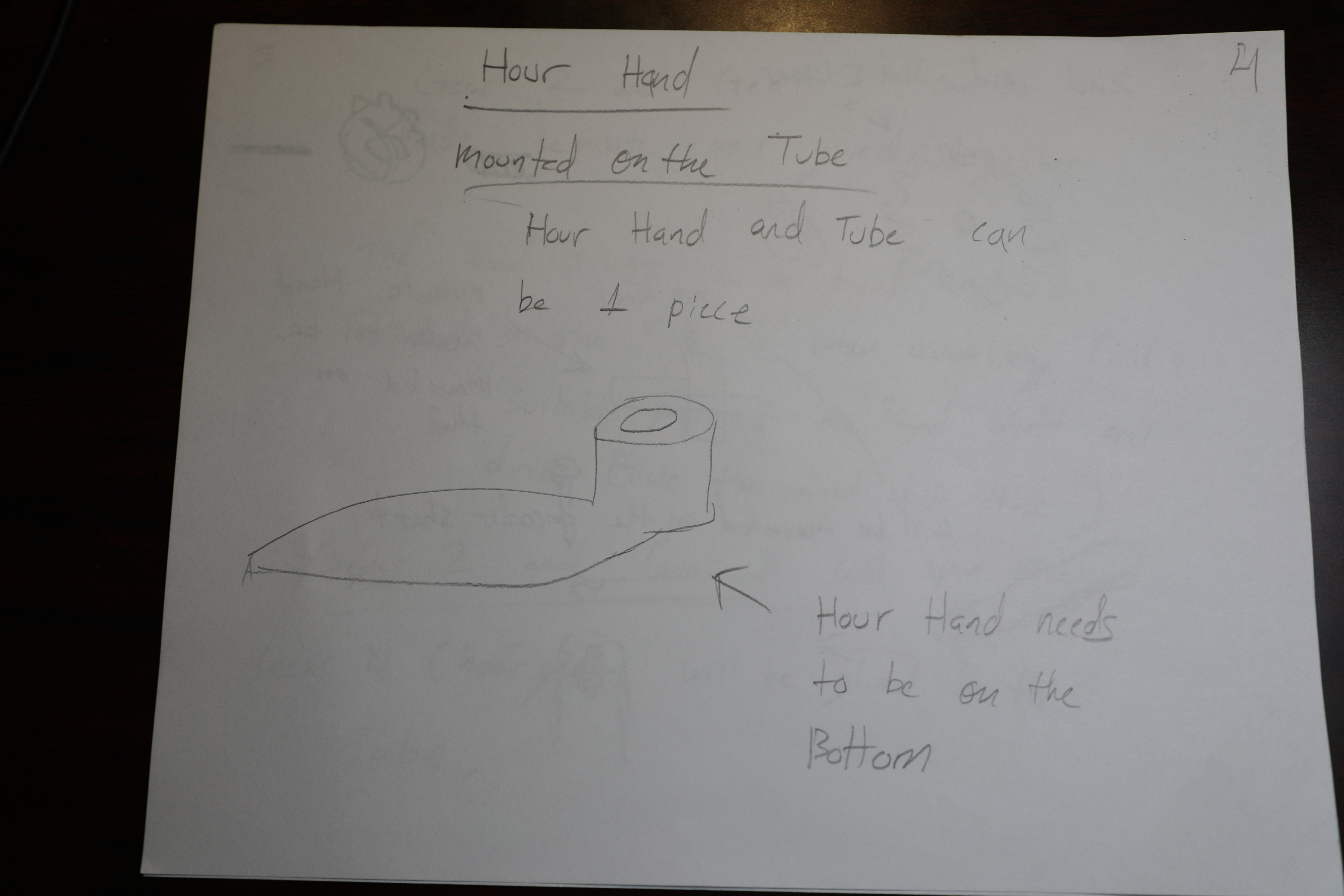
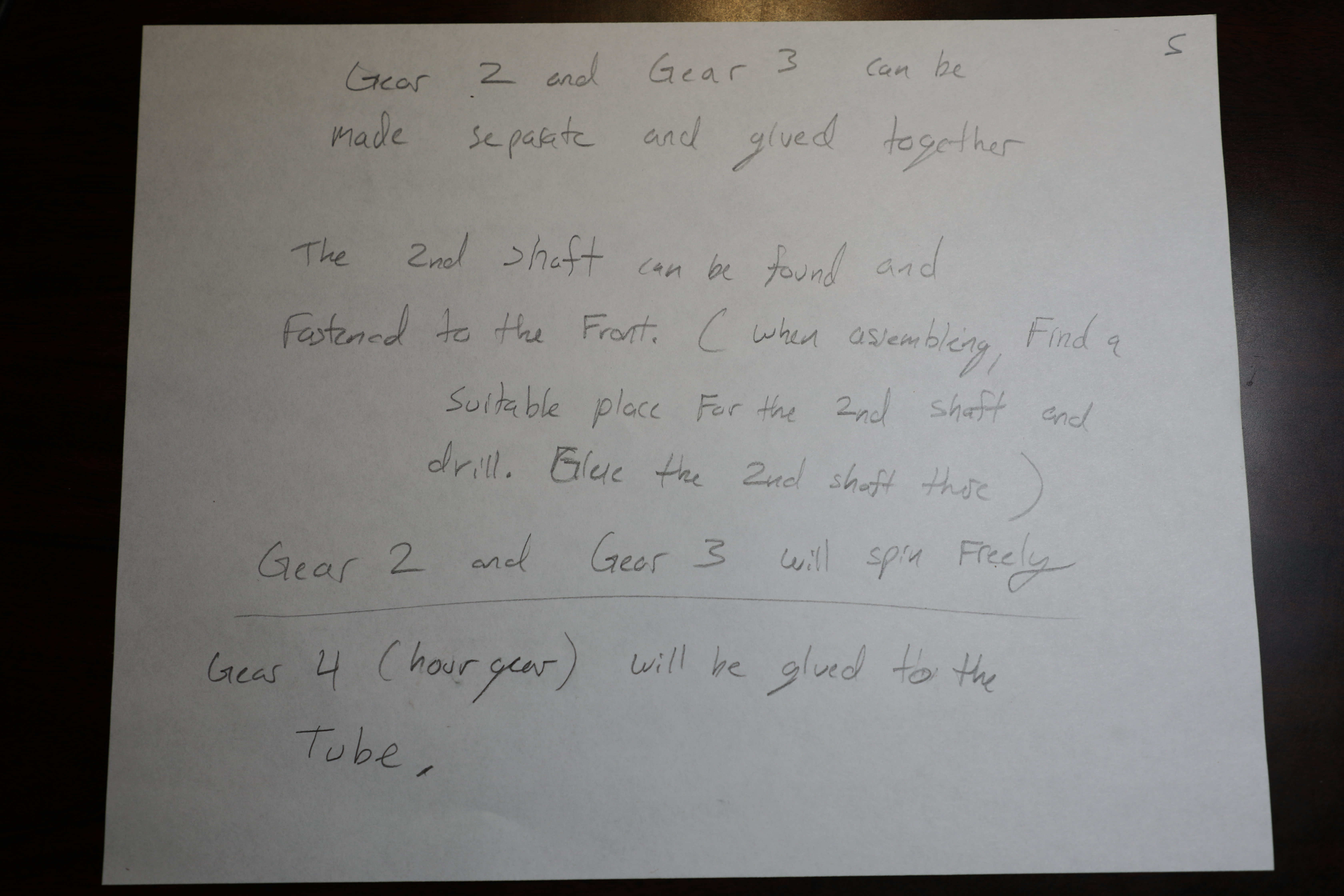
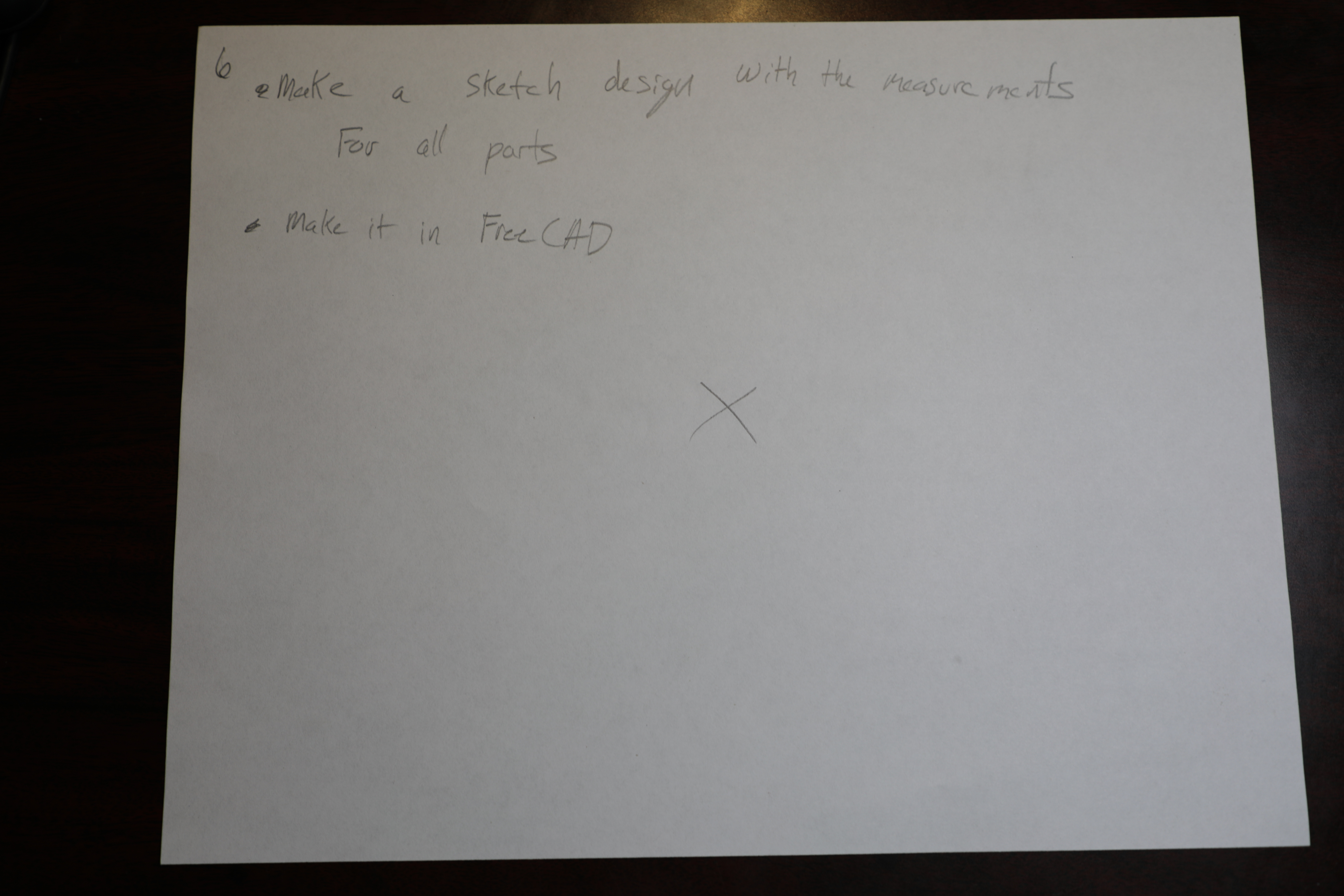
Yesterday, Plans were sketched out for the Design of the Minute hand and the hour hand and the corresponding gears. Such plans are pictured below,


#0024 (2025-11-20): Matt DiPalma

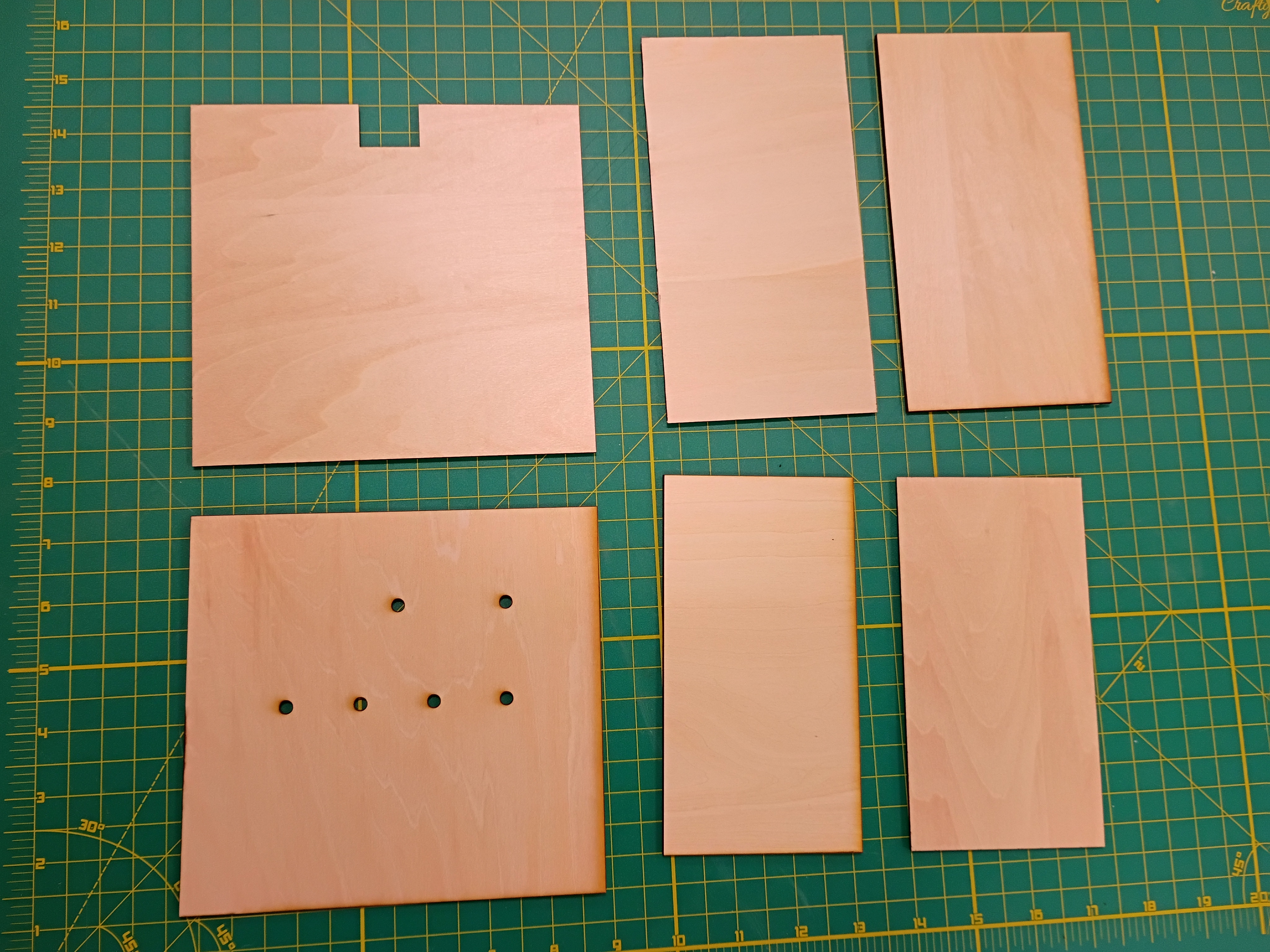
Several plywood panels were laser cut.

#0023 (2025-11-19): Anthony Remark

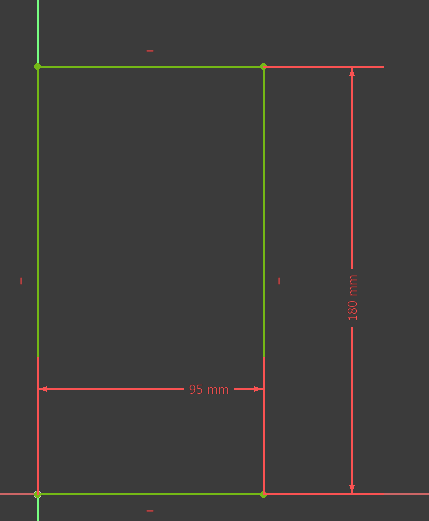
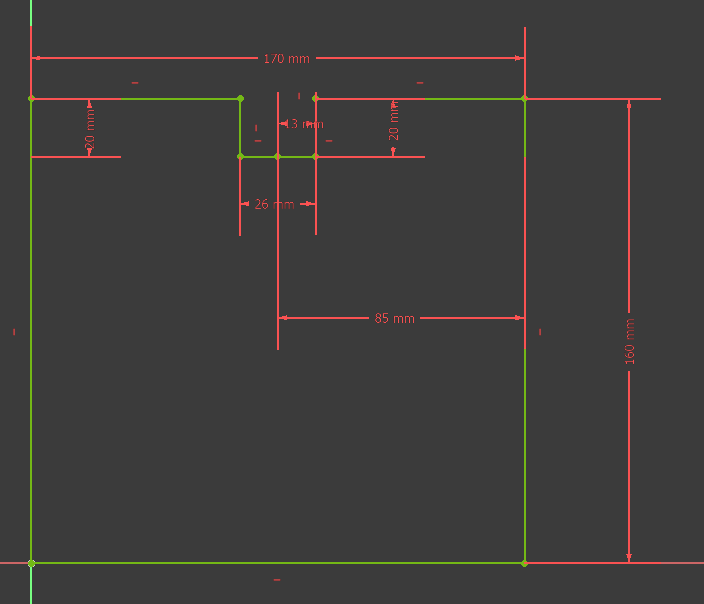
Made a rough sketch of the planning for the electronics encasement of MM1 Minute hand.
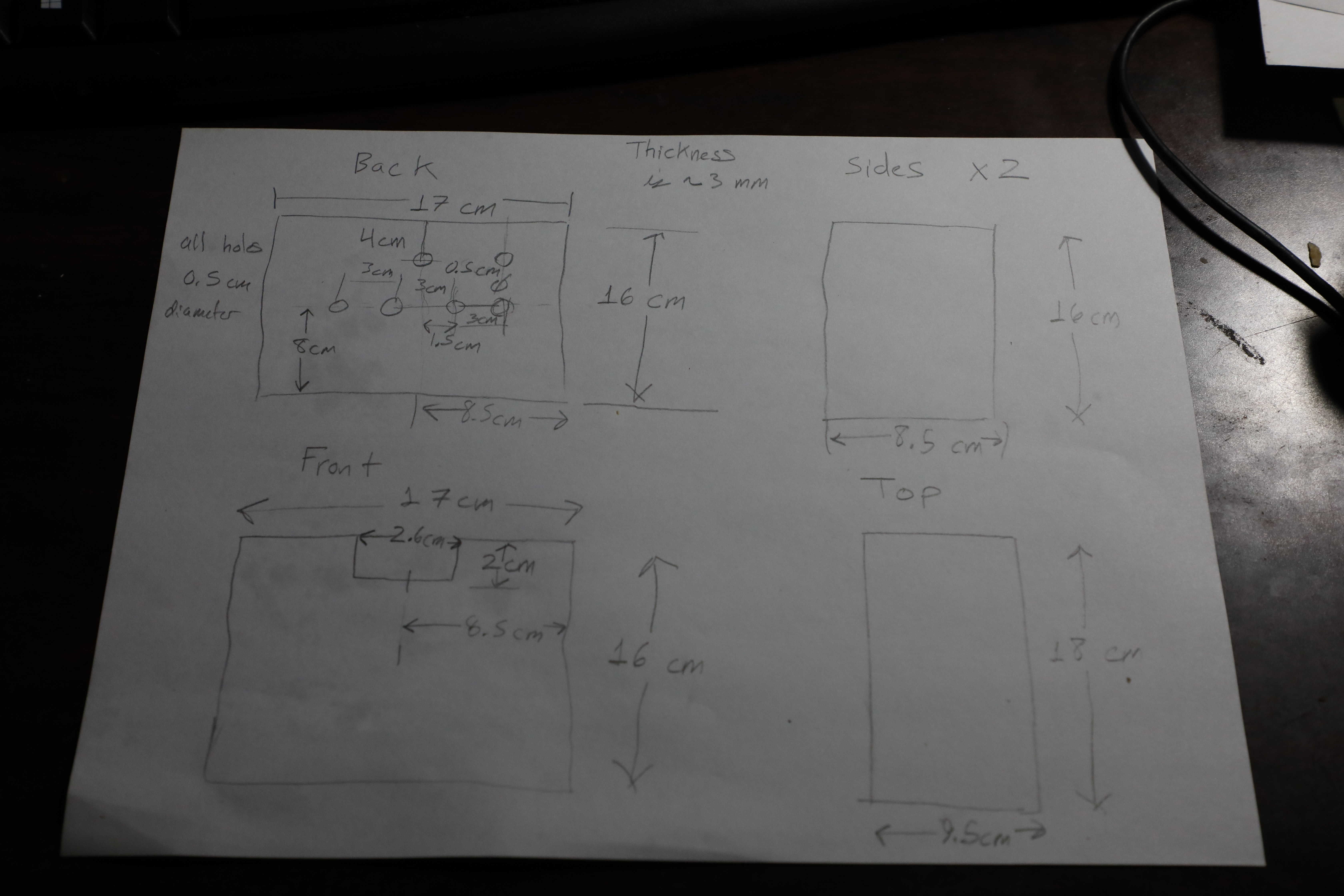

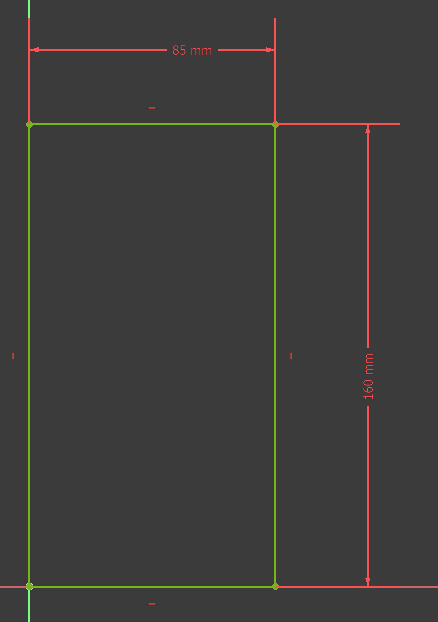
These Designs were Sketched in Free Cad begining with the Back.

Sides.

Top.

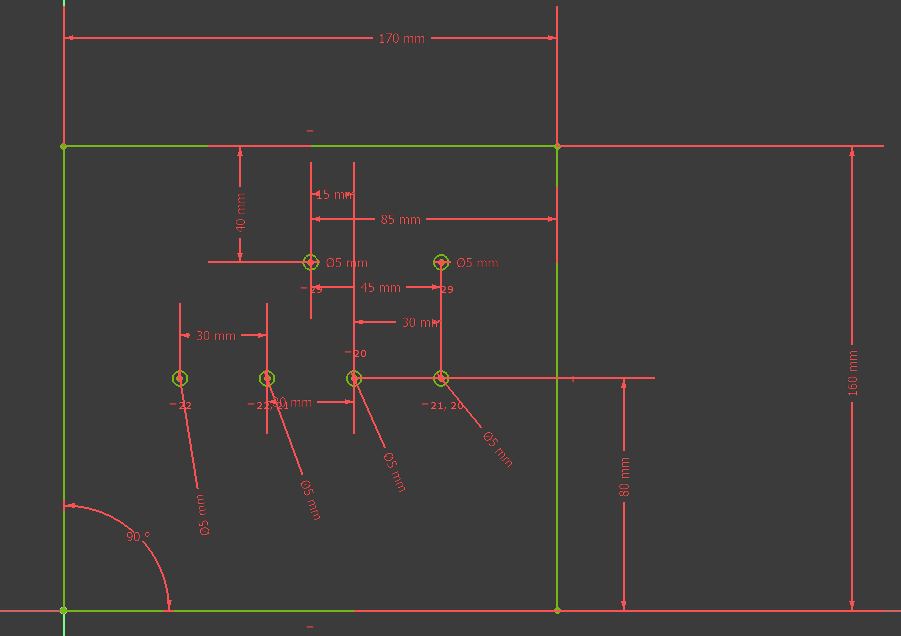
Front.
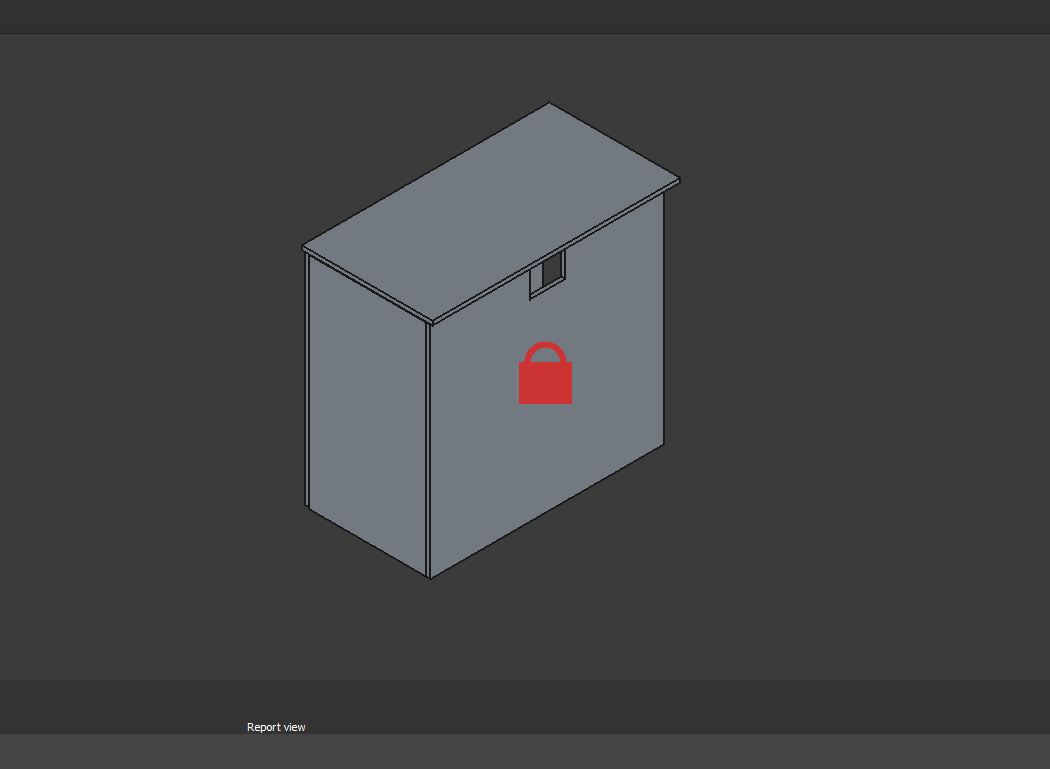
And Furthermore, the parts were padded 3mm and assembled.


#0017 (2025-11-16): Anthony Remark

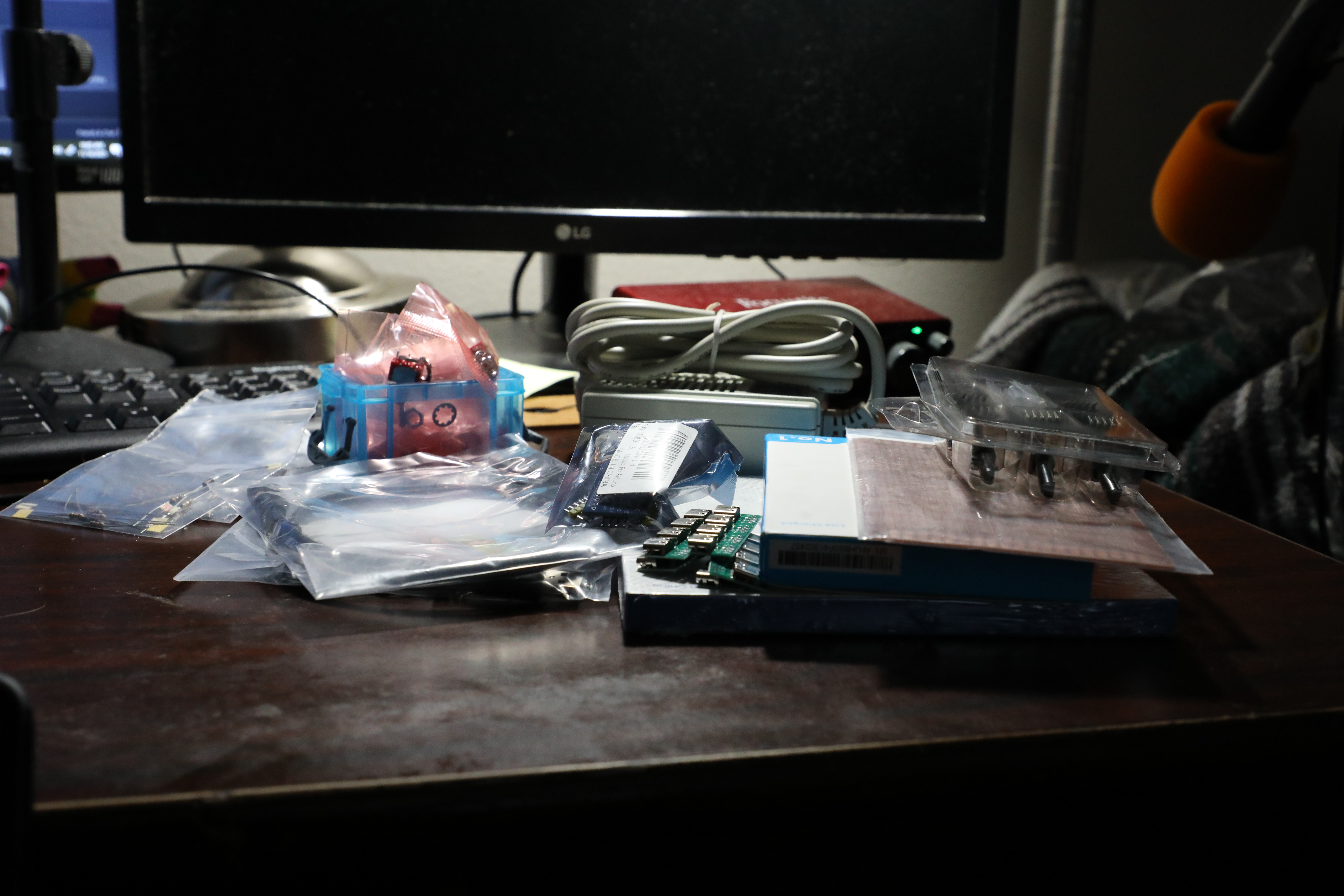
Received Packages yesterday for Testing and construction of the project.

#0012 (2025-11-13): Anthony Remark

The Electrical Parts were accumulated in a list to order from Amazon and Mouser. The order was placed today November 13.


#0011 (2025-11-12): Anthony Remark

Researched More items for MM1 Minute Hand which include a portable power bank from Amazon. In addition Orders for a microcontroller and breadboards were also Researched.


#0010 (2025-11-11): Anthony Remark

researched Parts to order including: USB C cables, female USB C receiver, encoders, SPDT switches, Rechargeable Lead Acid Batteries, LiPo batteries.


#0007 (2025-11-08): Anthony Remark

Learned the basics of FreeCAD to design parts for Minute Hand.


#0005 (2025-11-07): Anthony Remark

Bought Perf Board, resistors, and a Power Supply for the Main circuit.